Topics inside this course
Awareness and induction depth — not an accredited occupational qualification.
- Lock the screen; don’t leave paper on printers
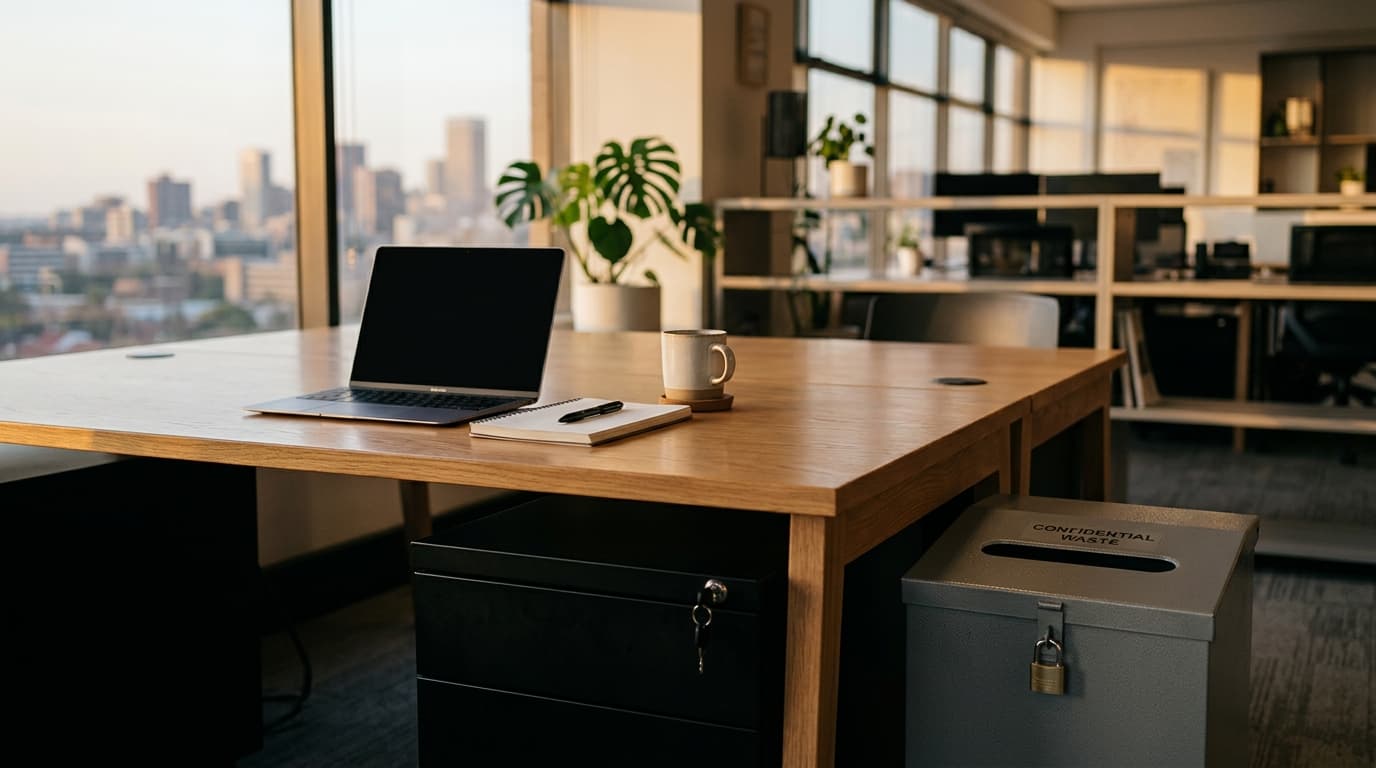
- Confidential versus ordinary waste
- Whiteboards and visitor sight-lines
- Home working: the kitchen table is still a desk
- Link to information classification
Built for the people who take the training
Anyone who handles paper or unlocked screens: offices, hybrid workers, and people who use shared printers.
What learners leave able to do
- Lock screens and clear desks to the organisation’s standard
- Use confidential waste as labelled, not the ordinary bin
- Treat printers, whiteboards and visitor sight-lines as exposure points
- Apply the same rules when working from home
Modules you can expect
Structure may tighten when you localise from your own source pack in Kre8AI — this is the shape of the library title.
- 1If you can read it, so can they
Desks, screens, printers.
- 2Waste is a control
The red bin exists.
- 3Boards and visitors
What faces the corridor.
- 4At home
Family, bins, shared printers.
- 5Knowledge check
Micro assessment.
Very short scored assessment, suitable for annual micro-learning. Not a records-retention course.
Written for the workplace, not for the statute book alone
Clean-desk rules die when they are a facilities memo. This micro-course is assignable awareness: lock, clear, shred, think about who can see the board.
Printers get special attention because they are where salary files go to die. Home working is in scope because confidential waste is not “the household recycling”. Classification labels, if you use them, tell you what must be shredded — that table lives in the information-classification title.
Generate from your clean-desk SOP and POPIA s19-style safeguards in Kre8AI. Export as SCORM or HTML. Keep it short on purpose.
Facilities and information-security can share one module instead of two overlapping PDFs. Re-export when the waste contractor or bin colour changes.
Pair with information classification and remote-work security. Do not expand this into a full records-management qualification.
Play the library demo, or generate clean-desk awareness from your shredding procedure in Kre8AI.
What you would upload in Kre8AI
Clean desk policy, shredding procedure
- Your clean-desk policy and shredding / confidential-waste procedure
- NCSC clean-desk / clear-screen guidance
- POPIA security-safeguards extract at staff level
Formats, coach and provenance
- Standalone HTML to play in the browser; SCORM 2004 for your LMS.
- Optional AI course coach on Growth and Scale — grounded in approved material; off on quizzes and final assessment by default. Course plays offline; coach needs a network.
- Built in Kre8AI and reviewed before we published it. Not a substitute for your organisation's own policy — review before you make it mandatory.
Get the SCORM package while you are here.
Same course, SCORM 2004. Load it to settle the tracking question — and keep it as a course your people can take after you review it.
Request the package
SCORM 2004 zip. We ask for an email so we know which LMS you are testing — and so we can send the download.